Introduction
QPlot is an alternative 2D plotting library for Python, Octave, and Matlab. It facilitates beautiful typography and precise axis scaling. QPlot is described in an article titled “Publication Quality 2D Graphs with Less Manual Effort due to Explicit Use of Dual Coordinate Systems” (Wagenaar, 2014).
QPlot started life as a C++ program with a Matlab/Octave front end, but has since been ported to Python. Installing QPlot is now as easy as:
pip install pyqplot
After that, you can immediately start plotting:
    import numpy as np
    import qplot as qp
    xx = np.linspace(0, 2*np.pi, 100)
    qp.figure()
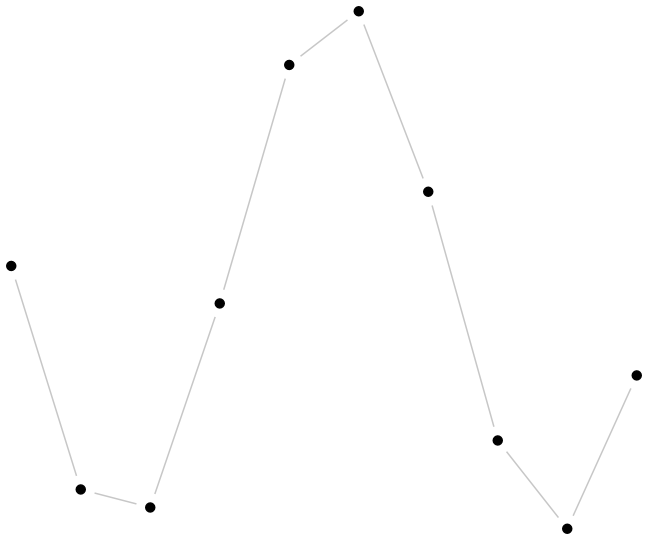
    qp.plot(xx, np.sin(xx))
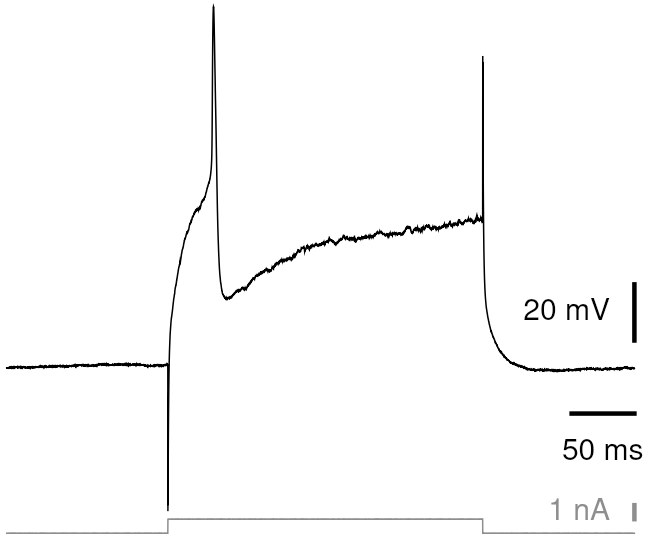
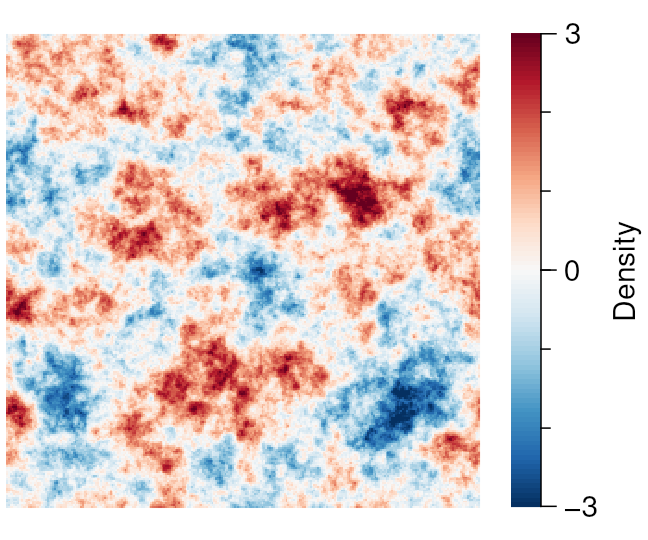
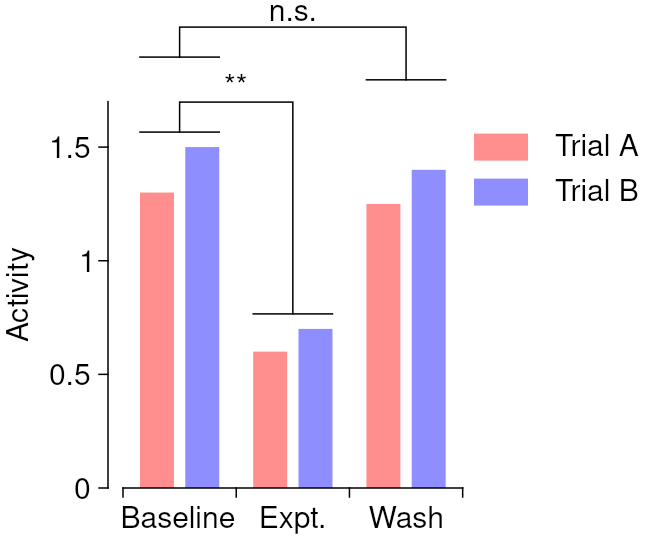
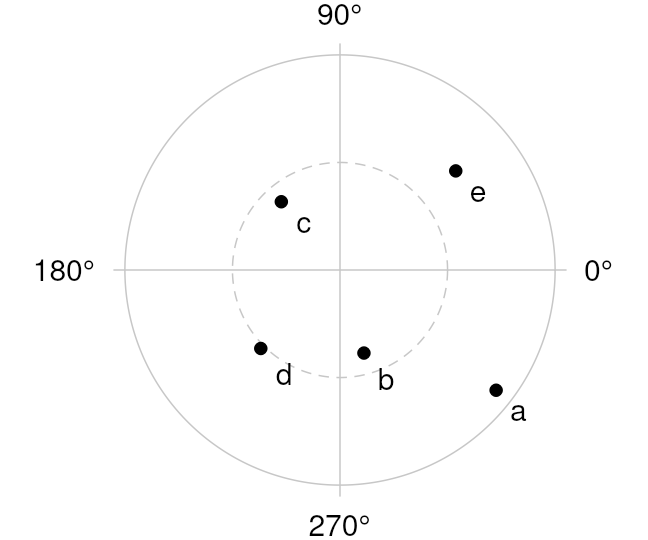
If the examples below appeal to your esthetics, please take a look at the Getting started section to learn what QPlot can do for you. And if they don't, know that QPlot tries to avoid being opinionated. Chances are that you can readily convince it to make graphs your way.